


$0
Off


Lepro B1 AI Smart Bulb Bayonet, Music Sync B22 WiFi Bulbs, Voice Control, AI Lighting Design Assistant, Dimmable, Bluetooth Colour Changing Light Bulb, Work with Alexa & Google Assistant, 2 Packs (2)
Lepro B1 AI Smart Bulb Bayonet, Music Sync B22 WiFi Bulbs, Voice Control, AI Lighting Design Assistant, Dimmable, Bluetooth Colour Changing Light Bulb, Work with Alexa & Google Assistant, 2 Packs (2)
£12.99
£16.99
Key Features
- Lepro LightGPM 4 - Personalized AI Lighting Designer - No more generic lighting! Just tell LightGPM 4 what you love, and it never forgets your favorite colors and effects. The more you use it, the more the lighting design suits your preferences—make it your personalized AI lighting designer!
- Upgraded Voice Control-Easy to use. No manual setup or preset scrolling, just tell the Lepro app what you want: ignite holiday vibes, elevate parties, or mirror your favorite movie and game themes—and get perfect lighting in seconds.
- Snap a Photo, Capture the Vibe - Not sure how to describe the lighting design you want? LightGPM recognizes images. Snap a picture of your room for a lighting design that's perfect for the space, or upload a favorite movie poster or game character to instantly theme your space.
- Over 85% Energy-saving - Using LED technology, the B1 smart dimmable LED bulbs can replace a 60W incandescent bulb and provide 806lm brightness, saving more than 85% energy.
- Endless Colors & Effects - Discover limitless lighting possibilities with RGB smart bulbs. Select from 16 million colors, tunable white, and dimmable brightness, crafting the perfect ambiance for parties, dates, festive decorations, relaxation, and more. Lepro smart LED bulb can create endless immersive lighting scenes through AI algorithms to meet all your needs.
- Hands-free Voice Control - The B22 smart bulb that works with Alexa can easily and quickly connect to Alexa and Google Assistant to provide effortless hands-free voice control. Note: Before connecting to Alexa or Google Assistant, please make sure the bulb is connected to the Lepro APP through 2.4 GHz WiFi.
- Timer/Schedule & Smart Wake-up - With Lepro's timer feature, you can set your life lighting schedule as needed. Lepro smart bluetooth bulbs' dedicated wake-up and sleep modes simulate sunrise and sunset by adjusting the brightness at set times, promoting a natural sleep-wake cycle.
Show More
Couldn't load pickup availability
Free Shipping on Orders Over £25
Enjoy free shipping on all orders over £25. For orders under £25, a small £3.9 shipping fee applies — still a great deal!
1–3 Business Days Delivery
95% of UK mainland orders arrive within 1 business day, with the rest delivered within 1–3 business days.
30-Day Money-Back Guarantee
Love it or your money back! Try your purchase risk-free for 30 days — no questions asked.
Hassle-Free Warranty (1–5 Years)
Enjoy peace of mind with 1–5 years of warranty coverage (varies by product). If anything goes wrong, just email cs@lepro.co.uk — we’ll make it right.Note: This limited warranty does not affect your statutory rights under local law.
Lifetime Customer Support
We’re here for the long run. Contact our friendly support team anytime at cs@lepro.co.uk — your satisfaction is our forever promise.
Payment Methods


LightBeats Music Sync
Voice Prompt AI Lighting
Edit the AI Lighting
Easy Made AI Lighting


Hands-free Voice Control
Group Control
Cross-device Trigger
Smart Wake-Up/Sleep
Device Sharing


Lepro APP Only
DIY Your Light Your Way
Energy Saving LED Bulbs
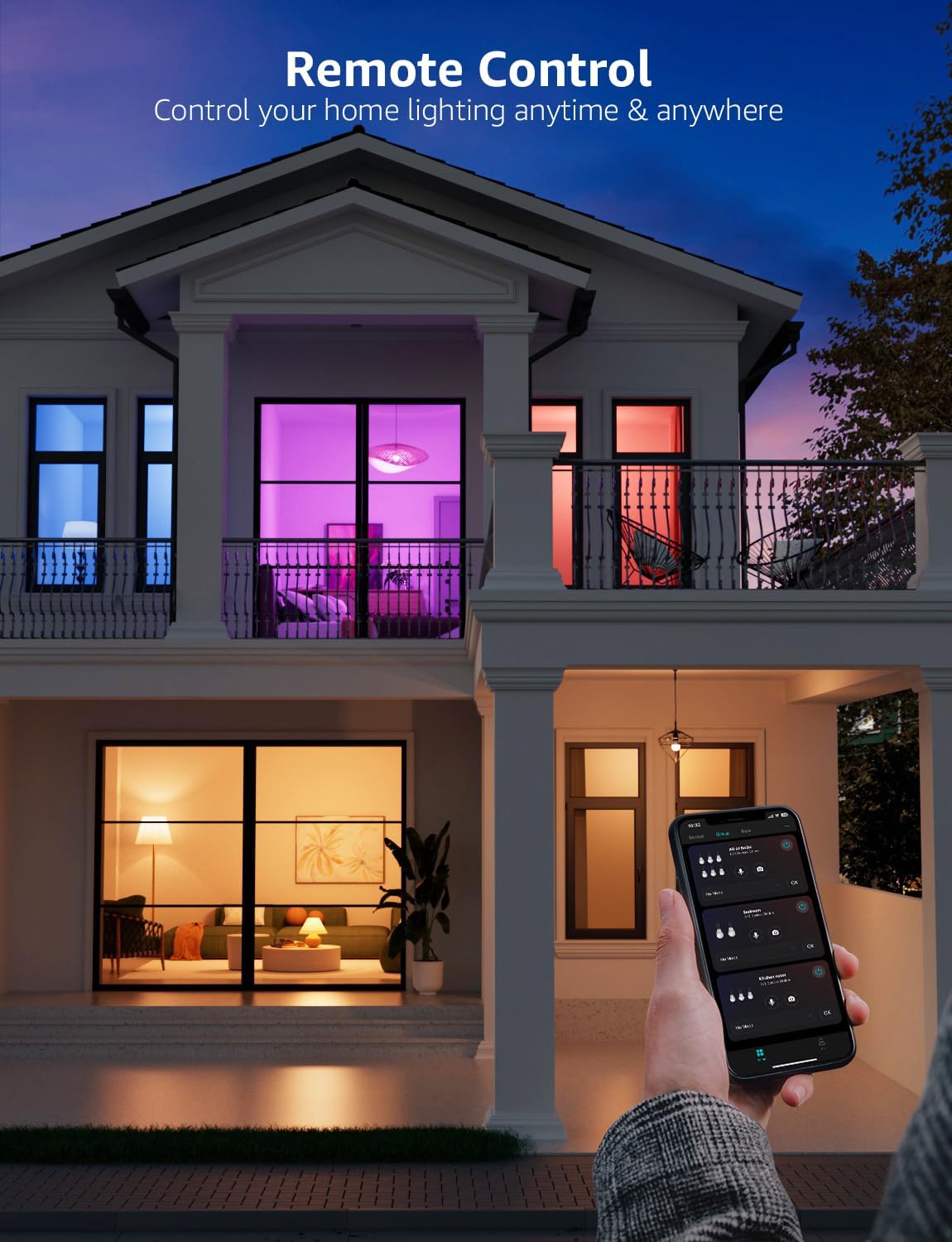
Remote Control
Add Favorites


How to Connect to Alexa
Q&A
Q&A
Why Lepro APP
Why Choose Lepro LightGPM


LightBeats Music Sync
Voice Prompt AI Lighting
Edit the AI Lighting
Easy Made AI Lighting
Hands-free Voice Control
Group Control
Cross-device Trigger
Smart Wake-Up/Sleep
Device Sharing
Lepro APP Only
DIY Your Light Your Way
Energy Saving LED Bulbs
Remote Control
Add Favorites
How to Connect to Alexa
Q&A
Q&A
Why Lepro APP
Why Choose Lepro LightGPM


In Stock: 1-3 Days Delivery
£12.99
£16.99